Early Days Growing Up on Windows
I have used Windows since I was in grade school. Windows was the primary OS used during my academics and even in my professional career. I would ocaisonally be required to use a Mac computer. If you have grown accustomed to either of them then you would know the frustration that many users experience when switching.
The Shift: Getting Comfortable with macOS
I really got used to using a Mac during my first software engineering role. I had used it here and there but I didn’t truly become acquainted until I decided to try out an M1 Macbook. I already had a desktop PC running Windows 10 and my last laptop was a 2 in 1 windows computer that I was regretting buying. The keyboard was cheap and the amount of heat that it generated from the screen and processor was scorching to put on your lap. What I noticed was different about Mac was their user-friendliness and better looking UI. I also liked how it easily connected with other devices, especially if it was another Apple product. What I really liked more about Mac computers is that it is Unix based and I could use the corresponding commands in the terminal. I still use my Mac computer but the Windows computer is still my tried and true.
What stood out about Mac?
- A cleaner, more intentional UI
- Smooth hardware/software integration (especially with other Apple devices)
- A Unix-based terminal environment that felt natural and developer-friendly
What I like about Windows that many of their applications are free, unlike the Mac, where some of their best features are behind a paywall. Windows also allows for customizations in the desktop that you can’t really take advantage of in a Mac. Windows holds a dominant share in the market because of its exclusive apps, recognizable branding and low cost of applications. I kept Windows 10 running on my desktop because:
- Many Windows applications are free or significantly cheaper
- Desktop customization is nearly unrestricted
- Strong support for gaming
- Access to exclusive software like Visual Studio and Power BI
These days I don’t have the time to keep up with gaming but I am still very much into coding and still use BI tools sometimes. What I learned from using Mac is that a lot of the alternative IDE’s and programs often do the same things as their counterparts. A lot of times they offer extra features that their predecessors don’t offer. For example, Tableau offers BI solutions that are of comparable quality to Power BI. Jetbrains IDE’s have a lot of automations built in that would require you to do some extra setup with VS Code. Despite these, alternative programs, these are not what made me ditch Windows.
The Real Turning Point: Control and Ownership
What made we make the big move away from Windows is the same thing that turned me off of a lot Companies. They have taken away ownership from the user. With Windows 11, you no longer can own an offline account. Users must be connected to the internet and have a paid online account. With the amount of breaches a lot of these companies are experiencing, I feel apprehensive about giving away more control of my personal data. I also don’t like being dependency on other companies and the internet. Recently, there was a huge outage in AWS and many apps and services were rendered useless for a about a day. What happens when this happens with my OS?
Returning to Linux: Familiar Territory
My first Linux distribution was Ubuntu. I was in college at the time and I needed it for some of the networking and cyber security courses that I was taking at the time. I found it fairly similar to the Mac OS but the key difference was their focus on open source applications. Ubuntu is largely considered the gateway to Linux because of its similarity to more popular OS’s and having one of the largest community support systems. I was able to get a fairly usable experience with their app library and terminal. I ultimately ended up coming back to Linux after Microsoft ended their Windows 10 support.
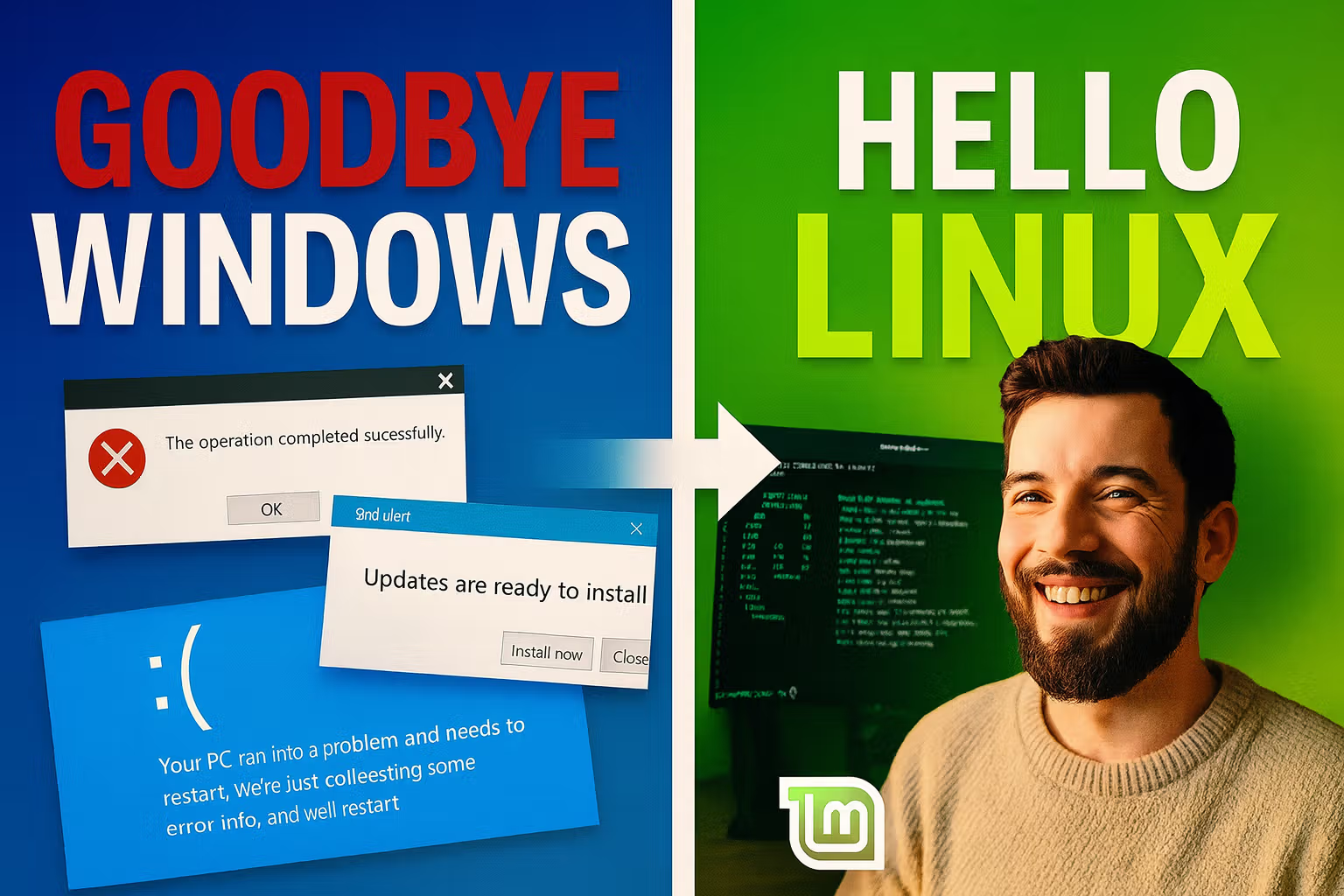
I ended up choosing a Mint distribution due to the lightweight profile that they run on computers. My current desktop is running on older hardware and can’t support Windows 11. I also didn’t want to rely on a subscription service for my OS. Mint is extremely stable and is based off of Ubuntu. Their software library has just about every application that I’m used to and can be installed at the click of a button. The terminal is just as intuitive as other linux distros and the customization options seem endless. The other thing that makes Mint different even from Ubuntu is that Ubuntu recieves more bleeding edge updates while Mint is focuses more on stability.
Final Thoughts: Choosing What Works for You
Overall, I just needed an everyday OS that I can browse the web, play videos and develop my projects. Whether you choose a Windows, Mac or Linux distribution each is very user-friendly even if that was not always the case. The larger OS’s have cross-platform and exclusive software. The Linux distro’s have open-source software that have a massive community support.