The intro
Job hunting in 2026 is basically the Squid Game. You refresh the same five job boards every morning, lose track of where you applied, and do it all again tomorrow.
So I'm automating it. Doomscroll checks job sites daily, filters for the roles I want, and emails me the good ones. I literally automated my doomscrolling.
But here's the part most people skip. Before Doomscroll touches a single job posting, I spent the first milestone on one question: who is allowed to change this system, and how do they prove it?
That question matters way more to your business than any job tracker.
The Boring Part Is the Point
Anyone can build an automation that works. The hard part is building one that can't be turned against you.
Automation needs access. To ship updates, my build pipeline needs permission to create things in my AWS account. The lazy way is to give it a permanent password, called an access key, and store it in GitHub. It works on day one. It's also a skeleton key sitting in a drawer forever.
That risk isn't hypothetical. Verizon's 2026 Data Breach Investigations Report found stolen credentials in 36% of all breaches, and admin accounts selling for around $1,300 on criminal marketplaces (Flare's breakdown of the 2026 DBIR).
Permanent keys leak through old laptops, forgotten config files, and former employees. So rule number one for Doomscroll: no permanent keys. Anywhere.
Hotel Keycards, Not House Keys
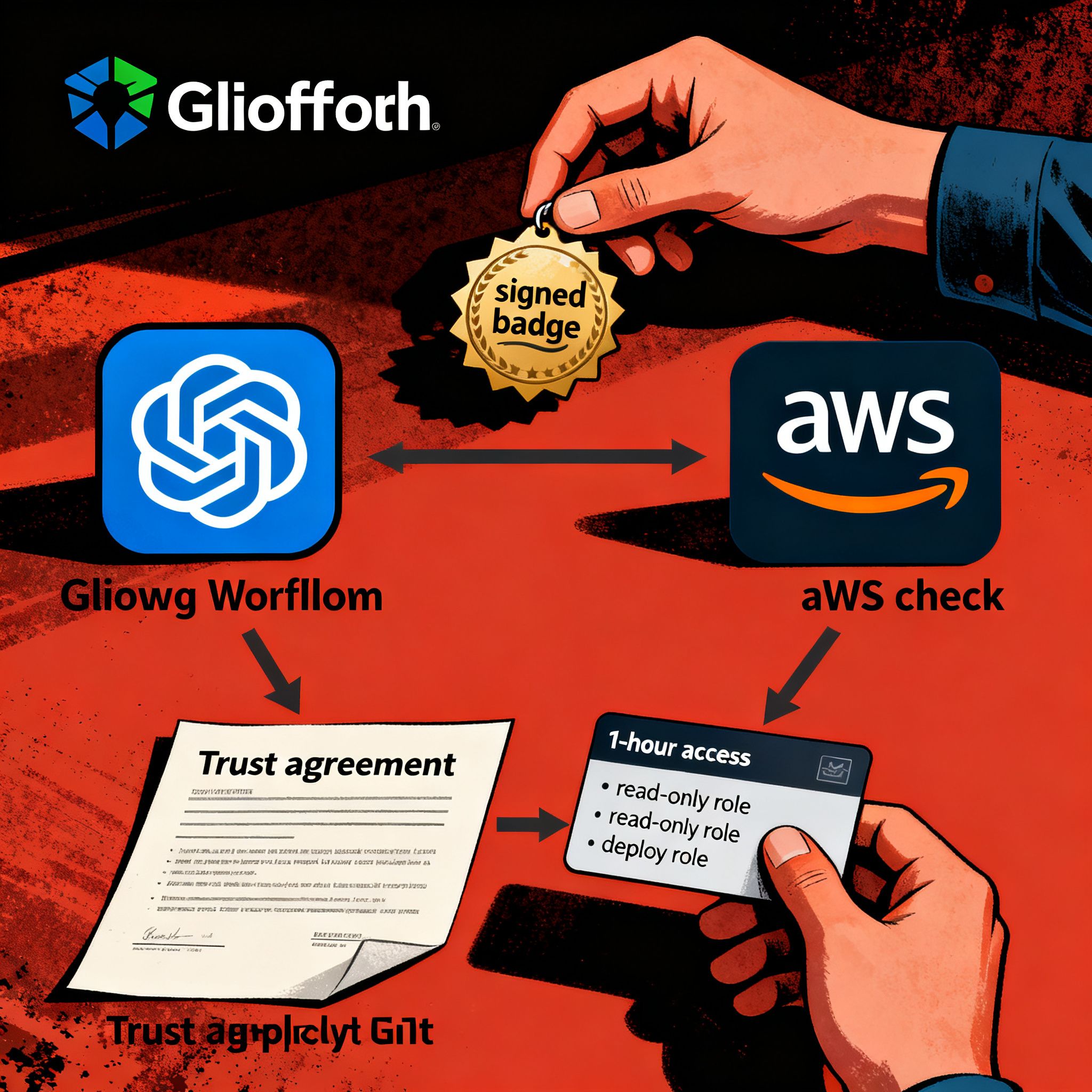
Instead of a stored password, I used OpenID Connect (OIDC). In plain English, GitHub and AWS signed a trust agreement in advance.
Every time my pipeline runs, GitHub hands it a signed ID badge. The badge says exactly which project it came from and why it's running. AWS checks the badge against the agreement and issues temporary access that expires in about an hour.
Think hotel keycard versus house key. A house key works until you change the locks. A keycard works for your room, for your stay, and that's it. Steal it tomorrow and it opens nothing.
Two Badges, Two Jobs
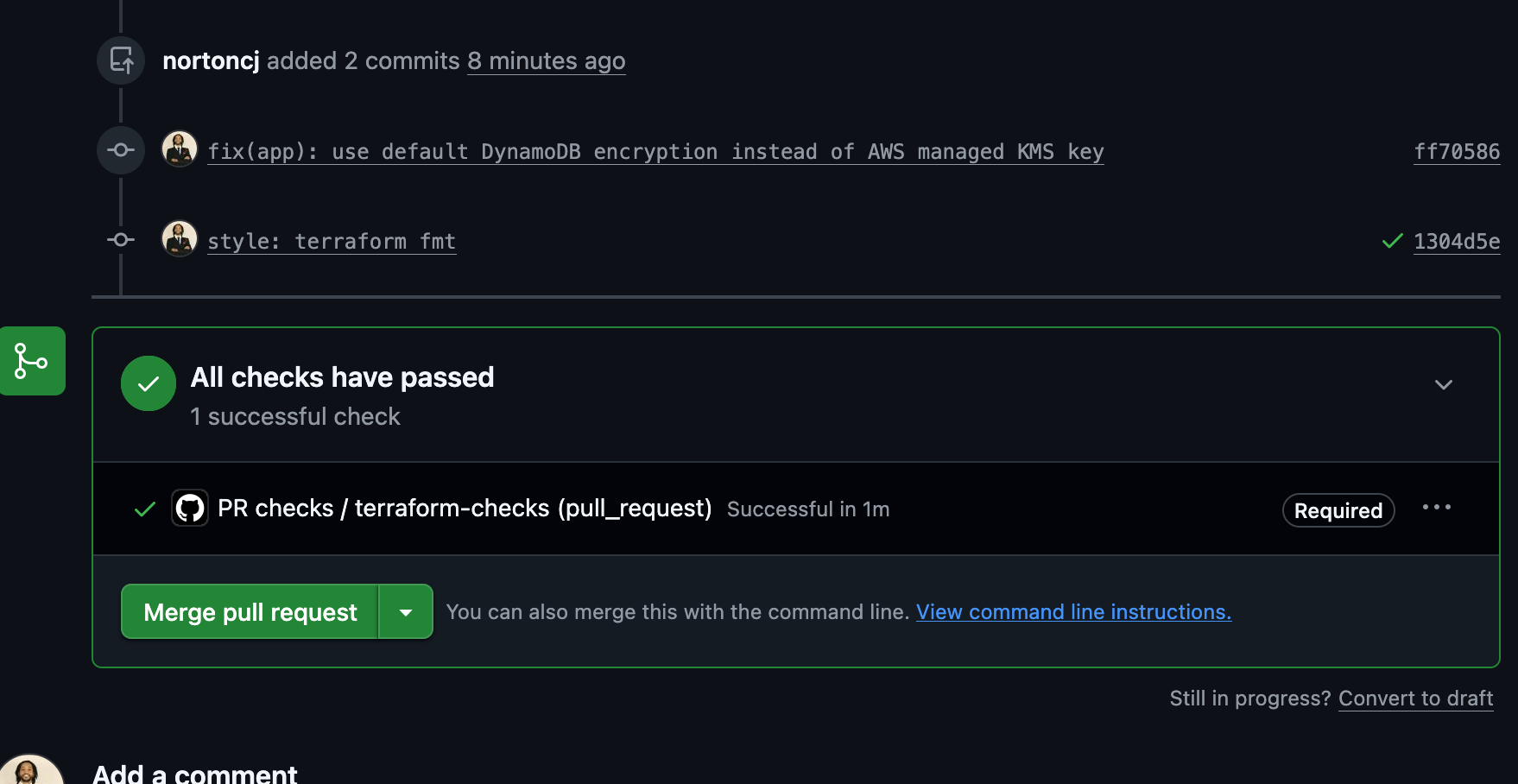
I split the automation into two roles.
The first one can only look. It runs on every proposed change and produces a preview of exactly what would change. It can read everything and modify nothing.
The second one can make changes, but only after a proposal gets reviewed and merged into the main version of the project. GitHub enforces that rule now. Even I can't skip it.
If you've ever run purchasing, you already get this. Anyone can draft a purchase order. Only approved ones get paid.
A Ceiling the Robot Can't Raise
This is the part I'm proudest of, and the part most tutorials skip.
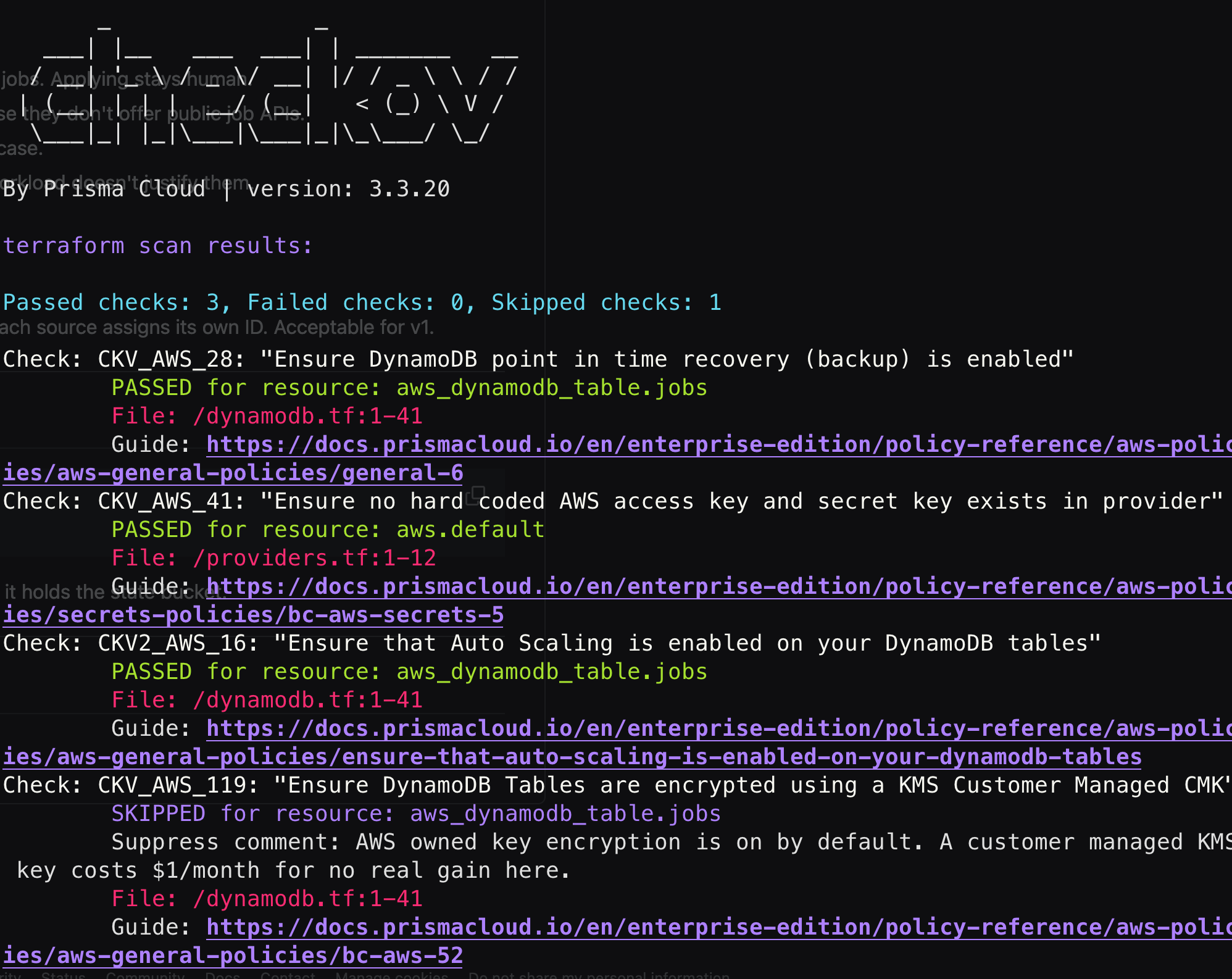
My deploy role has to create permission sets for the app's own components. That creates a quiet problem. A role that can create permissions could create one with full admin access and hand it to itself. Picture a manager who can hire people and also set their salary with no cap.
AWS has a fix called a permissions boundary. It's a ceiling. Every role my automation creates must carry it, and the automation physically can't create a role without it. No matter what anyone writes later, nothing it builds can go above that ceiling.
Then It Broke. Seven Times.
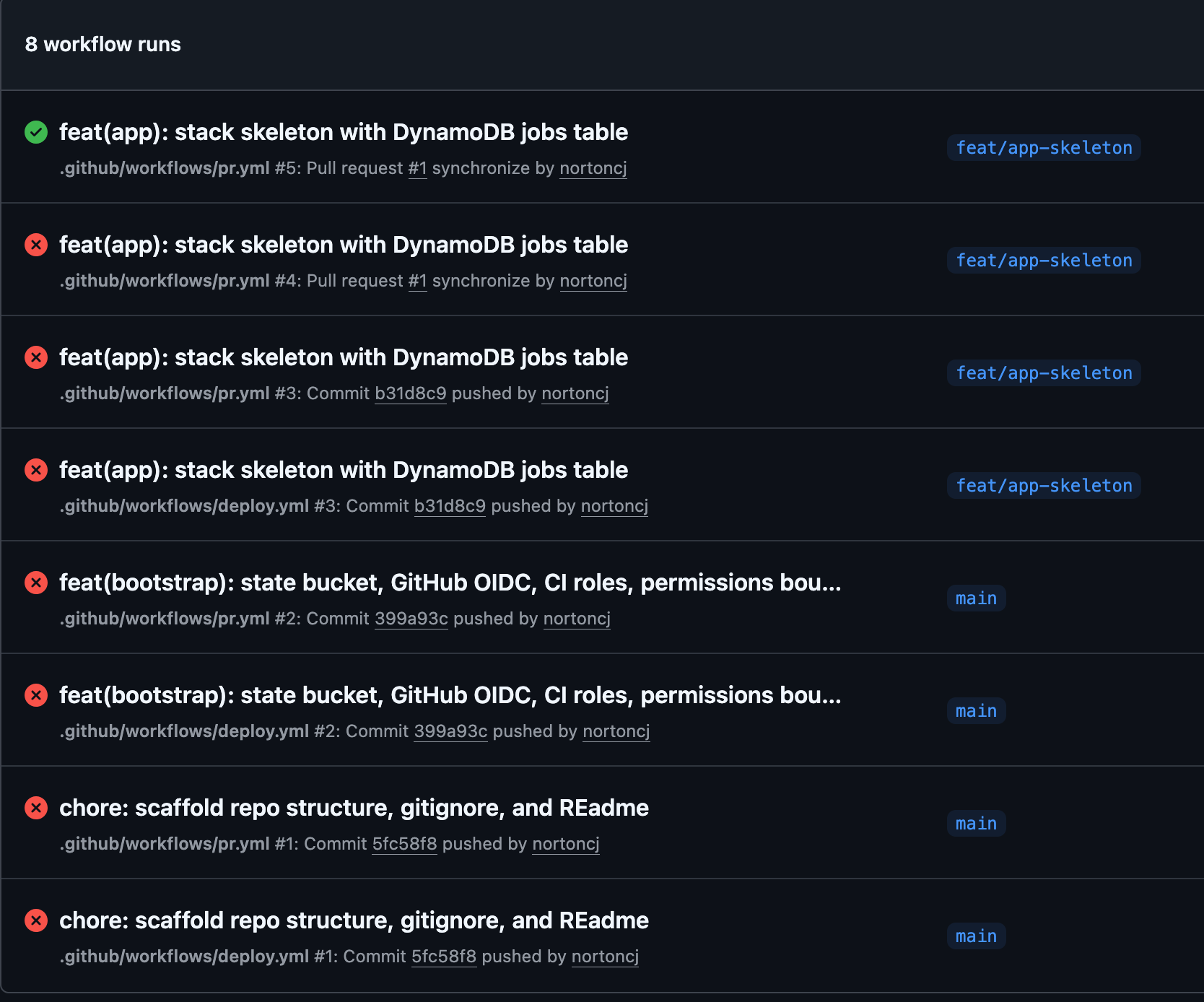
That's my workflow history: seven red X's, then one green check. Here's what went wrong, in plain English:
- A formatting error in a config file. One missing indent, and GitHub ignored the whole file.
- I logged in with an old account from a previous project. It could manage storage but not permissions, so half the setup got built and the other half got bounced at the door.
- My laptop was running an outdated AWS tool that didn't even have the login command I needed.
- The ID badge check kept failing. AWS just said "not authorized," with zero hints.
Number four is the good story.
The Receipt Told Me Everything
AWS keeps an audit log called CloudTrail. It records every attempt to get access, approved or denied. So instead of guessing, I pulled up the denied attempt and read exactly what GitHub's badge said.
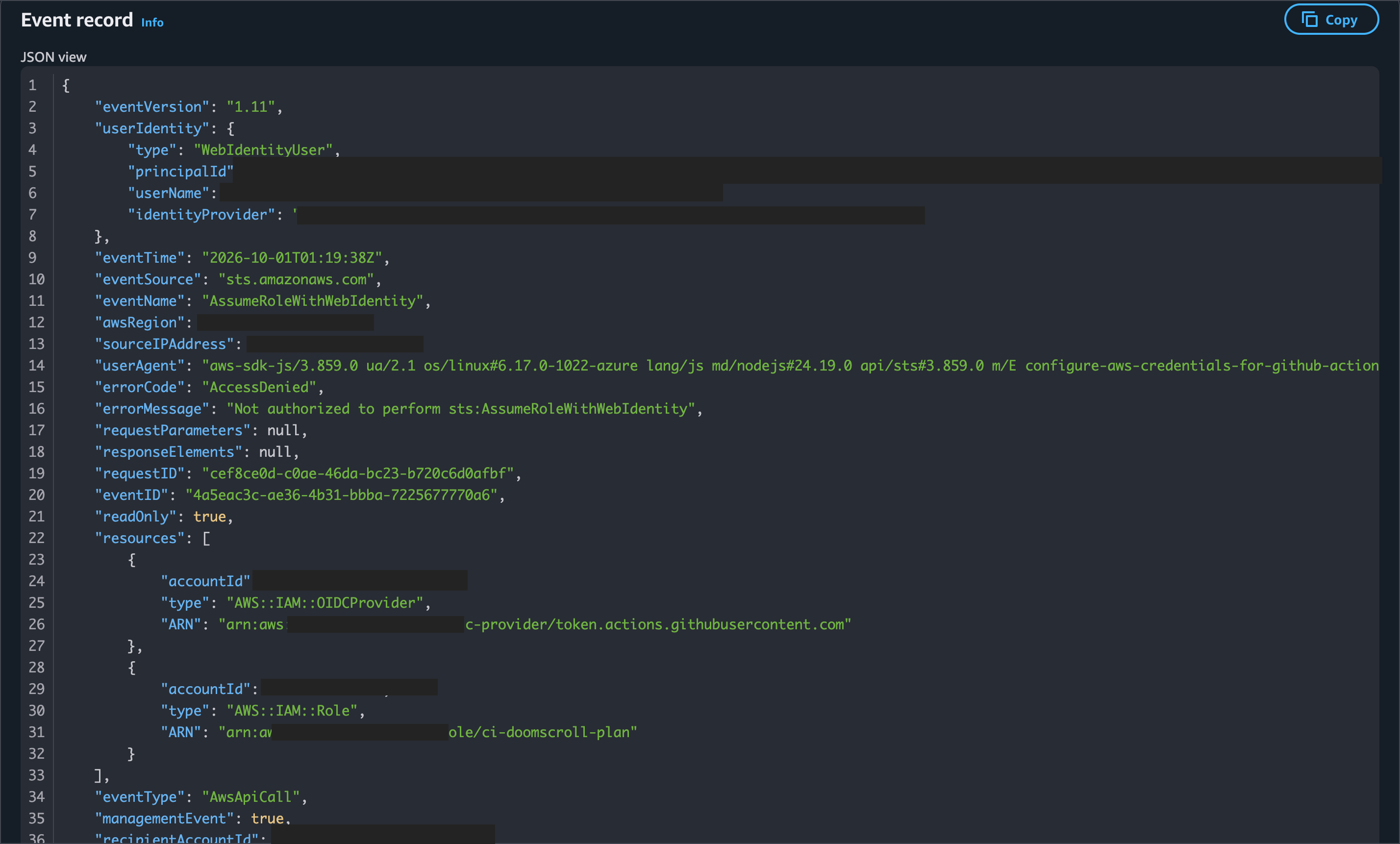
My trust agreement expected the project's name. GitHub's badge had the project's name plus a permanent numeric ID for my account and for the repository.
Turns out GitHub changed this on purpose. Repositories created after July 15, 2026 use the new format. The old format only used names, and names can be recycled. If I deleted my project and someone else grabbed the same name, they could have inherited my AWS access. Numeric IDs never get reused.
So the bug was actually a security upgrade I hadn't caught up with. The fix was two lines of code. Finding it took five minutes once I stopped guessing and read the receipt.
Five Questions to Ask About Your Own Automation
You don't need to know any of these tools to use these ideas. Ask whoever runs your tech:
- Do any of our automated tools hold permanent passwords? Where are they stored, and when were they last changed?
- Can the same system both propose and approve its own changes?
- Is there a ceiling on what our automation can grant itself?
- Do we keep audit logs, and does anyone actually read them?
- When something breaks, do we debug from evidence or from vibes?
If any answer makes someone squirm, that's your next project.
What's Next
The foundation is live, and it costs a few cents a month to run. Next milestone: Doomscroll starts pulling real postings from four job sources, filtering out the noise, and emailing me a daily digest.
Yes, I'm building a robot to help me get hired. If you're hiring for cloud or DevOps roles and you like how I think about this stuff, let's talk.